
- The video team can only start working once the setlist is finalized. If the song order changes, the mood changes, and if the length is off by 10 seconds, the final shot won't work.
- For a solo show, it's usually around 20 songs. It's common to assign a different creator to each song, and the difficult part is that they have to look like a single cohesive piece even though they're all different.
- Resolution, frame rate, codec, color gamut, safety range, and looping capabilities should be decided in advance as common specifications (otherwise, discrepancies won't be noticed until the day of the event).
- BGV (creating atmosphere, not drawing attention) and lyric motion (delivering words, making them read) have completely different design philosophies. Confusing them will lead to disaster.
- An artist stands in front of the LED wall. The composition leaves the center empty, allowing information to escape to the left, right, and top.
- The LEDs in the venue are not monitors. Thin lines and small text are not visible, blacks are not truly black, and dark scenes appear blurry.
- The rehearsal is like the first screening of the video. The actual LEDs, the real lighting, and the actual positions are all in place for the first time, and there's a high probability that things will turn out differently than expected.
- It's a one-shot deal with no option to secretly replace it after release. That's why I create multiple versions of the export, use redundant playback devices, and number the files so I can tell the order.
The comments that appear on social media after a live performance are usually about the "sound" and the "people." The only mention of the visuals is a single line like, "The screen in the back was amazing." But behind that single line lies months of production and the strange tension of knowing that no one will see the finished product until the day of the performance.
Here, we want to follow the production flow to see how the visuals used in live performances—background videos (BGV) and lyric motions—are put together, what constraints they face, and where they truly transform. Anyone who works with illustrations or motion will likely find themselves nodding in agreement, thinking, "That's just like our projects!"

It all starts with finalizing the setlist.
The video team can only really get to work once the setlist is finalized. Conversely, they can't do anything until then. If the song order changes, the tone of the video changes, and if the length is off by even ten seconds, the final shot becomes unusable.
The moment the setlist is released, I usually check around this area.
- Track order and block structureThe opening grab, the middle section's climax, the ending's release. Where does the visuals come forward, and where does they pull back?
- Length and structure of each song: The duration of the verse, chorus, and bridge. The video's progression is based on this.
- Conversion and MC positionHow many seconds are there between songs? If there are costume changes, a separate video will be needed to fill the gap.
- Artist's intentionsSongs that showcase a worldview, songs that draw attention to the lyrics, songs that rely solely on lighting.
The last point is actually the most important. Putting full-fledged visuals on every song would actually weaken the production. It's the video team's job to decide which songs won't have visuals.
The arrangement involves dividing the work among different people for each song.
For a solo show, they typically play around 20 songs, and even at festivals, it's usually 5 or 6. Since it's unrealistic for one person to create everything, the common approach is to assign different creators to each song. Often, a team is formed that includes illustrators, motion graphic artists, and 3D models.
The challenge lies in the condition that the disparate elements appear as one cohesive whole . While individual songwriting is welcome, the overall live performance should convey the feeling of "events happening on the same night." Therefore, we establish a common language before we even begin.
Common specifications to decide in advance
- Resolution, frame rate, and export codec (if they're misaligned, you won't notice until the day of the event).
- The standard color gamut and how black is rendered. The LEDs in the venue produce blacks that are more pronounced than expected.
- The safe area of the screen. The edges are treated as invisible.
- Is it loopable? Video that can expand and contract when pressed/rolled is highly effective in the field.
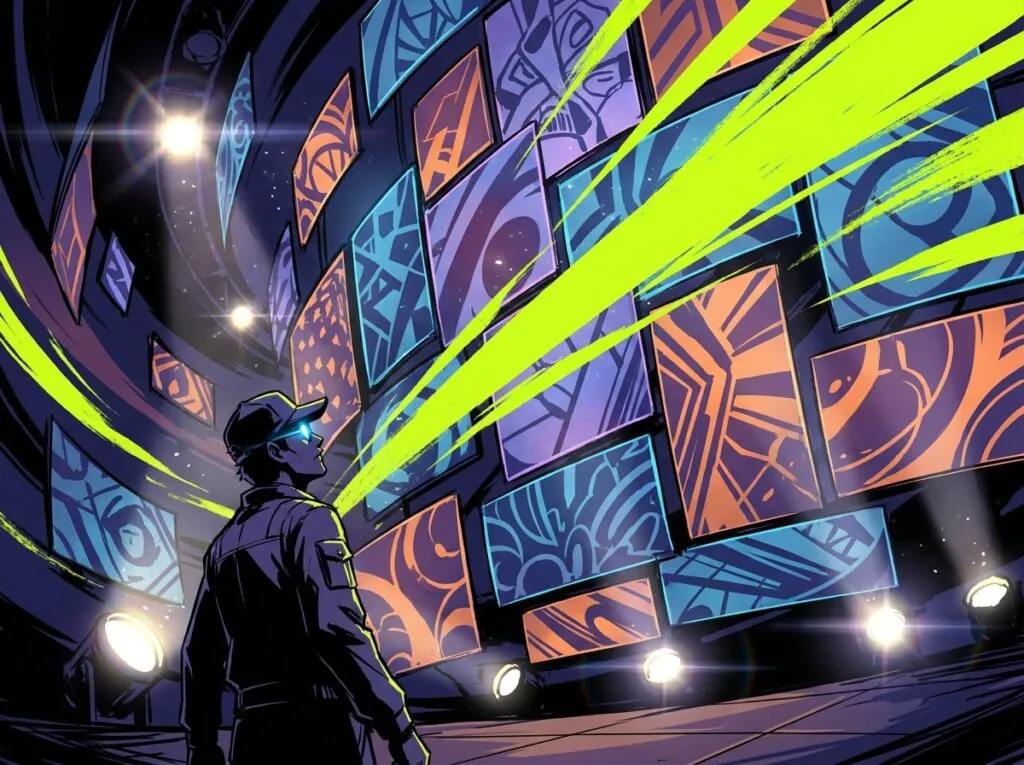
BGV and lyric motion have different roles.
Although they are often lumped together as "live video," these two types of content have completely different design philosophies.
| BGV (Background Image) | リリックモーション | |
| role | Creating air | Delivering words |
| Sight | Don't let it catch your eye | Make them read, make them follow along |
| The core of the design | Color, texture, and waviness | Readability, typos, word order |
| Forms of failure | It's too assertive and overshadows the song. | I can't read it, I won't make it in time |
Confusing these things leads to problems. Putting text on background video makes it unreadable from the back seats, or conversely, over-emphasizing the background for lyrics makes them lose their impact. Simply defining the roles verbally from the start drastically reduces retakes.
The main character is on the stage.
This is probably the first hurdle a video producer will encounter: a person in the middle of the screen.
An artist stands in front of the LED wall. The central motif, a carefully chosen piece, will be hidden behind the artist's back during the actual performance. Therefore, the composition naturally becomes one that emphasizes "emptiness." By leaving the center empty and allowing information to escape to the left, right, and top, a contrast is created that makes the figure's silhouette stand out.
Competition with lighting is unavoidable. If a strong spotlight hits an LED, the image will be overexposed and washed out; if the image is too bright, the artist's face will be obscured. Lighting and video are competing for the same light. Therefore, compromises such as "during the chorus of this song, the lighting will take center stage, and the video will be dark and subdued" are decided in advance during the planning stages.

The LEDs in the venue are not monitors.
The image that looked perfect on my LCD screen might look completely different at the venue. There are several reasons for this.
- ピクセルピッチThe resolution of an LED is determined by the spacing between the dots. Thin lines and small text may not be visible.
- Viewing angleThe brightness and colors will not appear the same in the seats directly in front of the stage and in the seats with obstructed views on the sides.
- Brightness and contrastBecause it's self-illuminating, bright areas are intensely rendered. On the other hand, blacks aren't truly black, and dark scenes appear somewhat washed out.
- Simple sizeOn a screen several meters square, delicate gradients are more effective when combined with larger areas and outlines.
As a result, live video design tends towards a minimalist approach. Reduce information, increase contrast, and emphasize movement. What might seem slightly understated at a desk is just right in a live venue.

The video was visible for the first time during the rehearsal.
The stage rehearsals and full run-throughs the day before or on the day of the actual performance are the equivalent of the first screening for the video. This is when the full-scale LEDs, the actual lighting, and the actual positions on stage are finally in place. And with a high probability, it will turn out differently than expected.
Scenes that I thought were dark now stand out. Cuts that I thought were fast are slow at this distance.
The adjustments made for running in this location might include things like this.
- Adjust the overall brightness and saturation to a level that matches the lighting.
- Move the key cuts by a few frames to match the actual performance tempo.
- The loop section is extended or retracted to match the length of the MC segments and transitions.
- Fix the size, spacing, and holding time of lyrics that were unreadable.
In other words , the question here is whether you've been working in a way that allows for on-the-spot corrections . If all you have is a single, integrated export file, there's nothing you can do on the spot. Separating layers, making it possible to replace just the brightness adjustments—these kinds of seemingly minor preparations come into play.
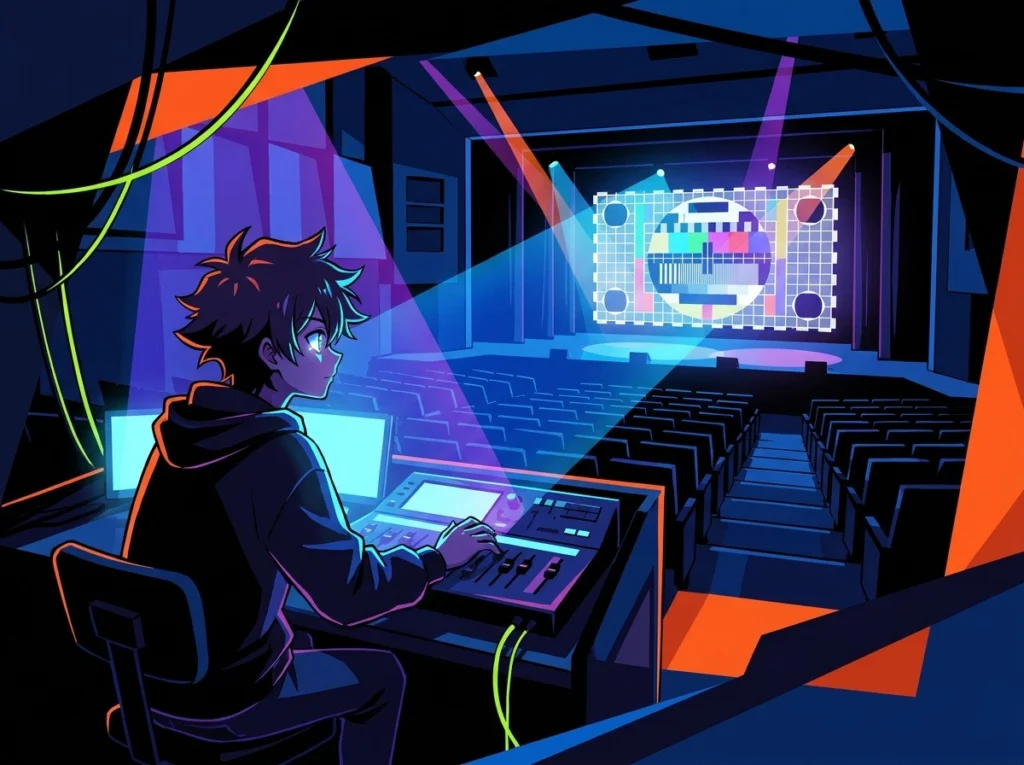
And, it's a one-shot deal.
With live video, there's no option to "secretly replace it after it's released." Once the show starts, what you've created is seen by thousands of people, and that's the end of it. It's a very unique condition for video production.
That's why the team takes precautions. They create multiple generations of exports. Playback devices are made redundant. File names are assigned in a way that anyone can understand the order. The data handed to the operators is not something that's "probably correct," but data that leaves no room for confusion. It's not glamorous work, but it's this kind of preparation that generally supports the actual production.
Furthermore, there are things that only happen at the venue on the day of the performance. Songs are sustained, applause lingers, and the audience is more enthusiastic than expected. The video is not completed the moment rendering is finished, but in those one few seconds that night when sound, light, and people stand up simultaneously.OSERU IMG. The fact that a team handling both illustration and motion is involved is likely because a structure capable of withstanding this "one-time" challenge is necessary.
The next time you go to a live show, I want you to take a look at the screen at the back. Notice how the center is neatly left empty, and how the video smoothly zooms out during the chorus. Each of those hesitant touches is a testament to someone's judgment.
- When can we start production on the live video?
- It's only after the setlist is finalized. If the song order changes, the mood of the video changes, and if the length is off by even 10 seconds, the final shot won't work. The moment it's confirmed, we check the song order, block structure, and the length and structure of each song.
- What is the difference between BGV and lyric motion?
- The roles are reversed. BGV (background video) is meant to create atmosphere, and the correct approach is not to draw attention to it. Lyric motion is meant to deliver words, to be read and followed. The design axes for BGV are color, texture, and movement, while for lyric motion is readability, typography, and word order. If you confuse them, you'll end up with problems like placing text on a video intended as background video, making it unreadable for those in the back seats.
- Why does the video I create on my monitor look completely different at the venue?
- There are four reasons: pixel pitch (thin lines and small text are not visible), viewing angle (brightness and color differ between front-facing and partially obstructed views), brightness and contrast (because it is self-illuminating, bright areas are intense and blacks appear washed out), and simply its enormous size.
- How do you create a composition that looks good in front of an LED light?
- The artist stands in the center of the screen. The central motif, which will be hidden behind the artist during the actual performance, is left empty in the center, allowing information to escape to the left, right, and top, creating a contrast that highlights the artist's silhouette. Competition with the lighting is unavoidable.
- What kind of adjustments do you make during rehearsals?
- This is the first time that the actual LEDs, the real lighting, and the actual positions on stage are all in place, so we work to bridge any gaps between what we anticipated and the reality. We adjust the overall brightness and saturation to match the lighting, and fine-tune the timing of key cuts.
* The illustrations featured in this article are original works created specifically for this media outlet. The copyrights to the works, characters, and product names mentioned in this article belong to their respective owners.
OSERU IMG.
You can consult with us about the content of this article when you're actually working on your project.
OSERU IMG. This is a creative studio comprised of illustrators, character designers, and motiongraphers.Search by style and track record, then contact us directly.Yes, we can. We welcome inquiries even if you're still in the "undecided" stage.




The illustration chosen in 0.5 seconds—why are light novel cover illustrations entrusted to the character designer first?
Less than a second passes before a book is selected on the shelf. How is the cover art designed for that fleeting moment? From character design to frontispieces, illustrations, and promotional materials, this book unravels the structure of the work that represents a series, including what goes beyond the book itself.

Why are "likable characters" so powerful? — The structure you should know before starting an IP.
Cute characters quickly become tiresome, while simple characters are loved for years. Where does this difference come from? This article explores the concept of "contextual vessels," the psychology of fan activities, the structure in which fans take on the role of publicity, and four steps to starting small.

10 Places Where Illustrations Make a Great Impact: How to Use Photos vs. Illustrations, and Who to Commission
The reason for choosing illustrations over photographs is not based on intuition, but on logic. Diagrams, educational materials, government public relations, packaging, advertising, book illustrations, corporate characters, music videos, merchandise, murals—10 situations where illustrations are effective, organized by communication, sales, and connection.